To change your personal information associated with your account, follow these steps:
1. Click "Personal"
2. Click "Setting"
3. Choose "Personal Information"
4. Edit or update your personal information
To change your phone number associated with your account, follow these steps:
1. Click "Personal"
2. Click "Setting"
3. Choose "Account Security"
4. Click "Edit" Phone Number
5. Enter your new phone number and get the OTP code
To change your account password associated with your account, follow these steps:
1. Click "Personal"
2. Click "Setting"
3. Choose "Account Security"
4. Click "Edit" Change Password
5. Enter your current password and also your new password
Be careful not to share your password with anyone. Our Customer Care team will never ask you for your password.
Which payment methods are available?
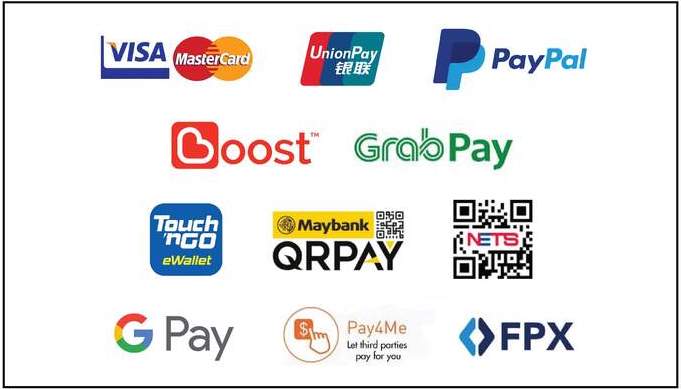
JIXGO MY accepts all the following payments methods: